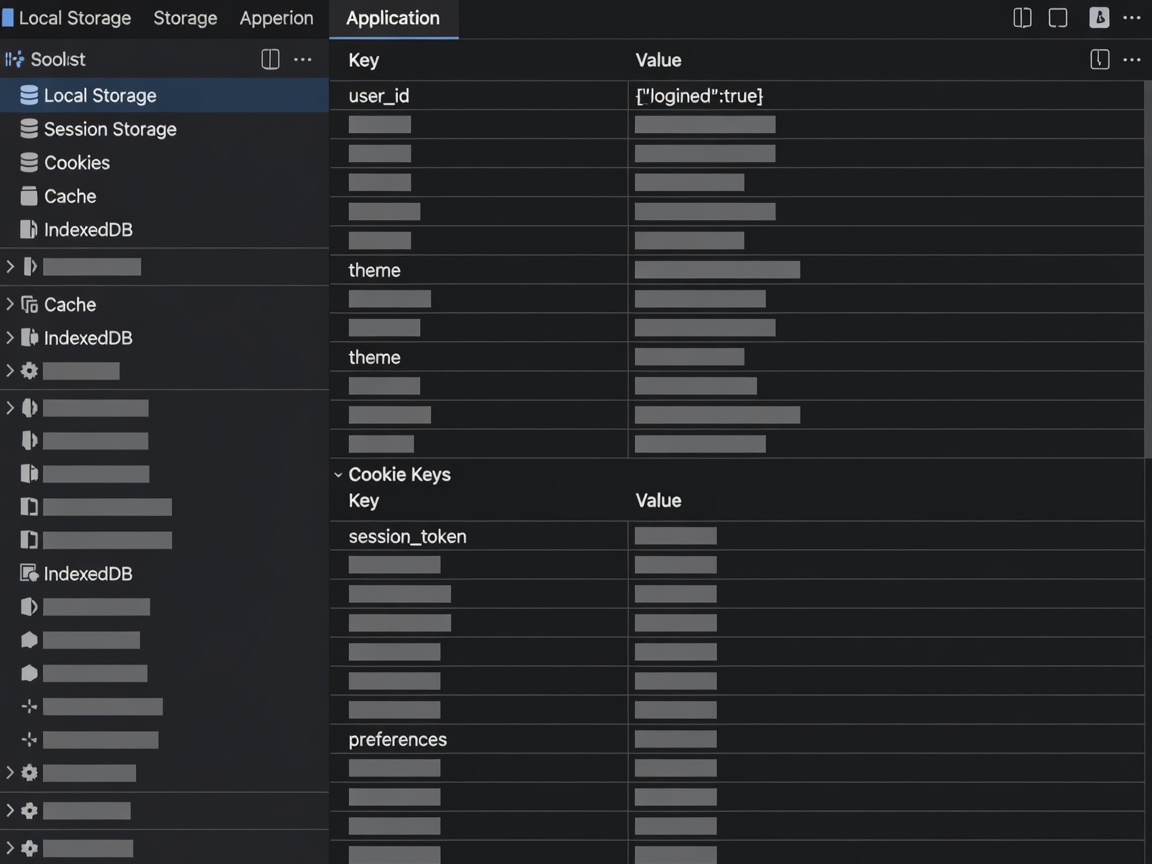
1. What Are Cookies and Local Storage Mechanisms?
Cookies are small alphanumeric data files delivered to your computing terminal by websites you visit. They enable the browser to maintain state across sequential page requests. Local Storage (HTML5 Web Storage) provides equivalent local key-value functionality directly within your web browser without transmitting data back to the web server with every HTTP header.
2. Comprehensive Storage Audit Table
The following table discloses every storage mechanism, purpose, and lifecycle parameter utilized across the kivorareeljourn.mom domain:
| Category | Purpose | Example Key / Name | Typical Duration |
|---|---|---|---|
| Essential | Core functionality; records user cookie acceptance or rejection decision. | baltic_cookie_choice |
12 months / persistent |
| Analytics | Anonymous aggregated interface load measurement and server error rates. | _perf_telemetry_id |
Session only (memory) |
| Functional | User interface preferences, such as mobile navigation drawer state and theme fidelity. | glass_ui_state |
Persistent local storage |
3. Detailed Operational Breakdown of Categories
- Essential Storage: Required for the digital terminal to function securely and lawfully. These items do not track personal identifying information across external domains. Without them, the consent banner would prompt on every subpage reload.
- Analytics Telemetry: Evaluates site asset load times, CSS performance, and dead links across the Baltic logistics knowledge base. These identifiers contain no personal identifiers and are not cross-referenced with commercial advertising profiles.
- Functional Settings: Preserves user UI adjustments, preventing abrupt layout shifts during subsequent visits.
4. Instructions for Browser-Level Management and Disabling
You maintain sovereign control over cookie placement and storage tokens through your web browser preferences. Disabling non-essential storage will not impair your ability to read the technical fulfillment guides on this website.
Google Chrome
Navigate to Settings → Privacy and Security → Third-party cookies. Choose between blocking third-party tracking or clearing all cookies upon window closure.
Mozilla Firefox
Open Settings → Privacy & Security → Enhanced Tracking Protection. Set protection level to Strict or use the Manage Data interface to delete individual domain records for kivorareeljourn.mom.
Apple Safari
Select Settings → Privacy → enable Prevent cross-site tracking. Under Manage Website Data, search for the domain and click Remove.
Microsoft Edge
Access Settings → Cookies and site permissions → Manage and delete cookies and site data. Adjust controls according to your organizational security requirements.
5. Re-evaluating Consent
You may reset your saved storage preference at any point. Clearing your browser's local storage for this domain will cause the bottom operational consent bar to re-appear upon the next page refresh.
Storage Specification Effective: February 2026